
The Lowfire launcher
Hearth
One small app that installs, updates and looks after every Lowfire game. Free, for Windows 10 and 11, with nothing else to install.

01What it does
Looks after your games, then gets out of the way
Updates that stay small
Games are stored as content-defined chunks. An update downloads only the chunks that changed, so a patch to a 300 MB data file costs a few megabytes.
Nothing half-installed
Every file is staged and hash-checked before it replaces the old one, under a journal. If anything fails, Hearth rolls back by itself. You can also roll an update back later.
Verify and repair
Check every installed file against its manifest and rebuild only the damaged ones, from chunks already on disk plus fresh downloads.
Settings before you play
Each game's settings, graphics presets and light tweaks, edited safely while the game is closed. Settings Hearth doesn't know are always kept.
Mods with a load order
Install mod zips, switch them on and off, set their order, and see conflicts and missing dependencies before you launch.
Your files, your place
Move a game to another drive, clear its caches, open its logs and crash reports, or export a support zip.
No account, no telemetry
Hearth only talks to our download server, and only to fetch games and updates. Offline mode turns even that off; installed games still play.
Keyboard, controller, two directions
Every screen works with the keyboard or an XInput controller, respects reduced motion, and mirrors fully for right-to-left languages.
02Screens
Screens
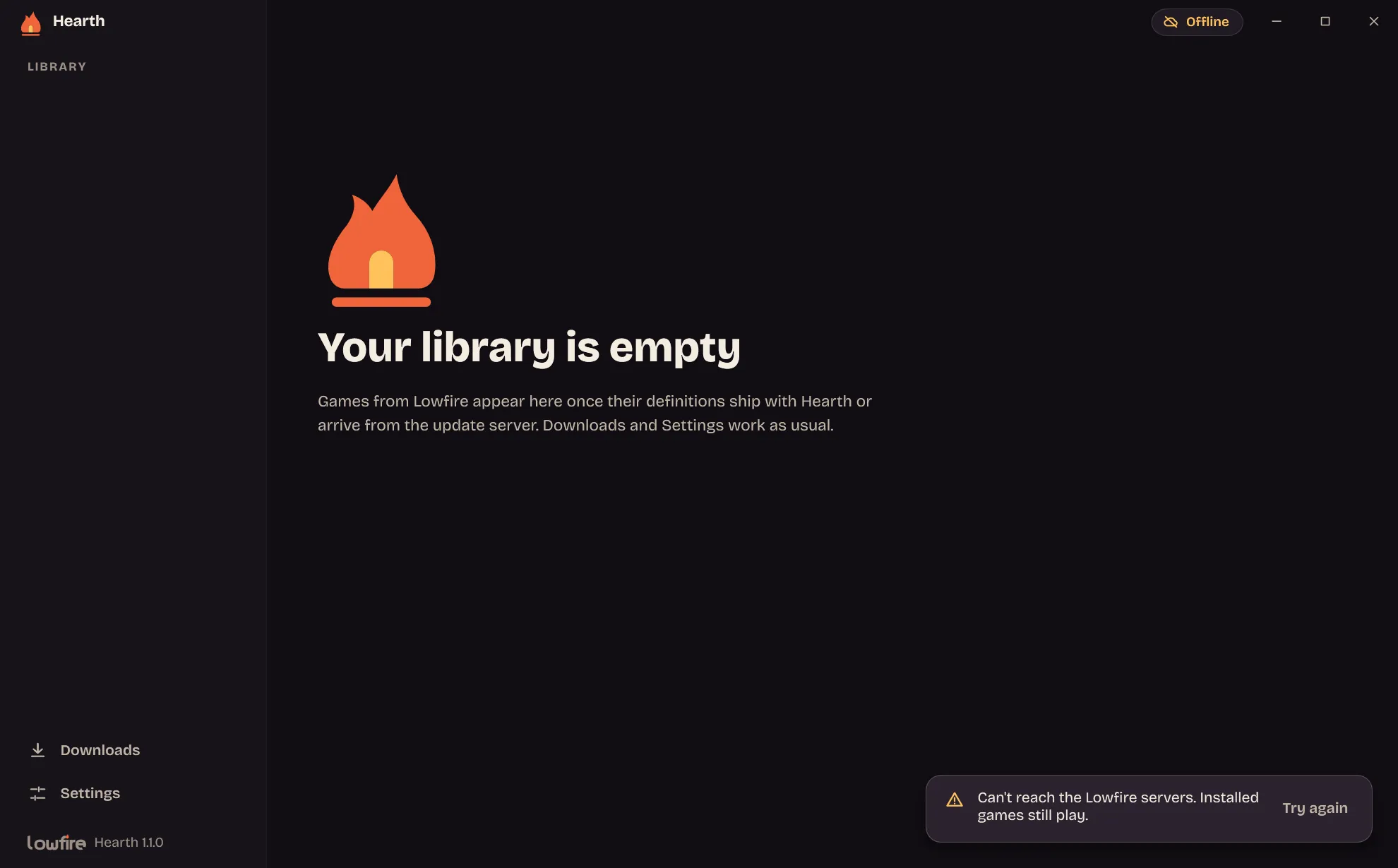


03Install
Install
- Download Hearth-Setup above.
- Run it. While our installers are new, Windows SmartScreen may show a notice: choose More info, then Run anyway. You can check the file's SHA-256 first.
- Pick a folder or keep the default, and finish. Hearth installs for your user only, so it needs no administrator rights.
When a new version of Hearth is out, it shows a banner and updates itself in place, on your say-so. Removing it is a normal uninstall from Windows Settings, and it never deletes your saves unless you ask it to.
Requirements
- Windows
- 10 or 11
- Runtime
- .NET Framework 4.8, built into Windows
- Disk
- About 3 MB, plus your games
- Internet
- Only to download games and updates